Clevis & Tang on Proxmox
Encrypted servers for your homelab, with even less passphrase-typing!
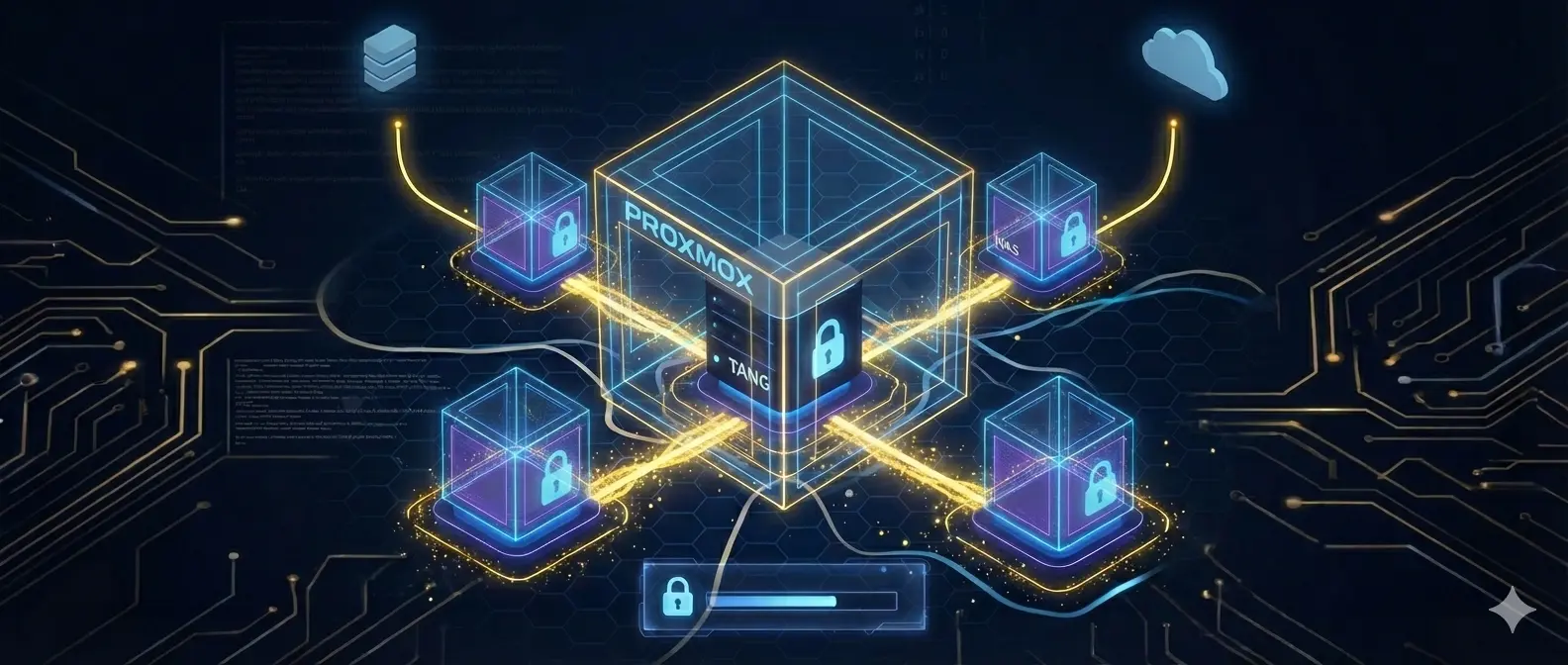
I run a few small home servers, some of which contain sensitive personal backups. I want to protect against the “physical server burglary” threat vector, but also want to avoid entering passwords as much as I can. In a previous post, I set up an “enter password before rebooting” mechanism, that works reasonably well if you know in advance you’re going to reboot. I’ve since refined my approach, and am happier with the solution.
The main idea is using clevis and tang. This is a system that allows a variety of encryption systems (including whole-disk LUKS encryption) to decrypt themselves using a network host running a “tang” server. This server doesn’t actually hold the full keys - instead, Superb Shamir Shenanigans are used to share the secret between the client and server, so both need to be available for decryption.
I run my various homelab servers as VMs on a proxmox host. Specifically, I run:
- Several non-encrypted machines, so any outage in the decryption system doesn’t affect their reliability
- A tang host, whole-disk encrypted with LUKS, which requires a passkey on boot
- One or more “ordinary” encrypted machines (also whole-disk encrypted with LUKS), which, on boot, look for the tang host for decryption1
This system is quite effective:
- If anyone steals my machine, even though it includes the tang server, it’d still be useless to them - they wouldn’t be able to boot it.
- If I reboot any VM, including the “ordinary” encrypted machines, no password is required.
- A password is required for rebooting the tang host - but since that’s all it runs, it’s very rare I need to reboot it. Thanks to LivePatch, it even gets kernel updates without rebooting.
- If I need to reboot the entire proxmox host, all non-encrypted machines will still work immediately. Because proxmox itself is accessible (with my password), I can remote in and input the passphrase for the tang host.
Clevis and tang can also be used outside of LUKS. I’ve cobbled together some ZFS support, which I run on my NAS. First, I create my half-key local file:
| |
Then I create this systemd unit to load that key:
| |
With zfs as well, I can still manually input the key if necessary; I keep my keys in VaultWarden as well, meaning they’re backed up on multiple devices.
Overall, this seems like a fairly solid tradeoff between security, reliability, and convenience. It is significantly more robust than my previous solution, and I’m quite happy with it.
Just in case, these can also be decrypted with a passkey ↩︎