TrufotBot
Household-wide medication management
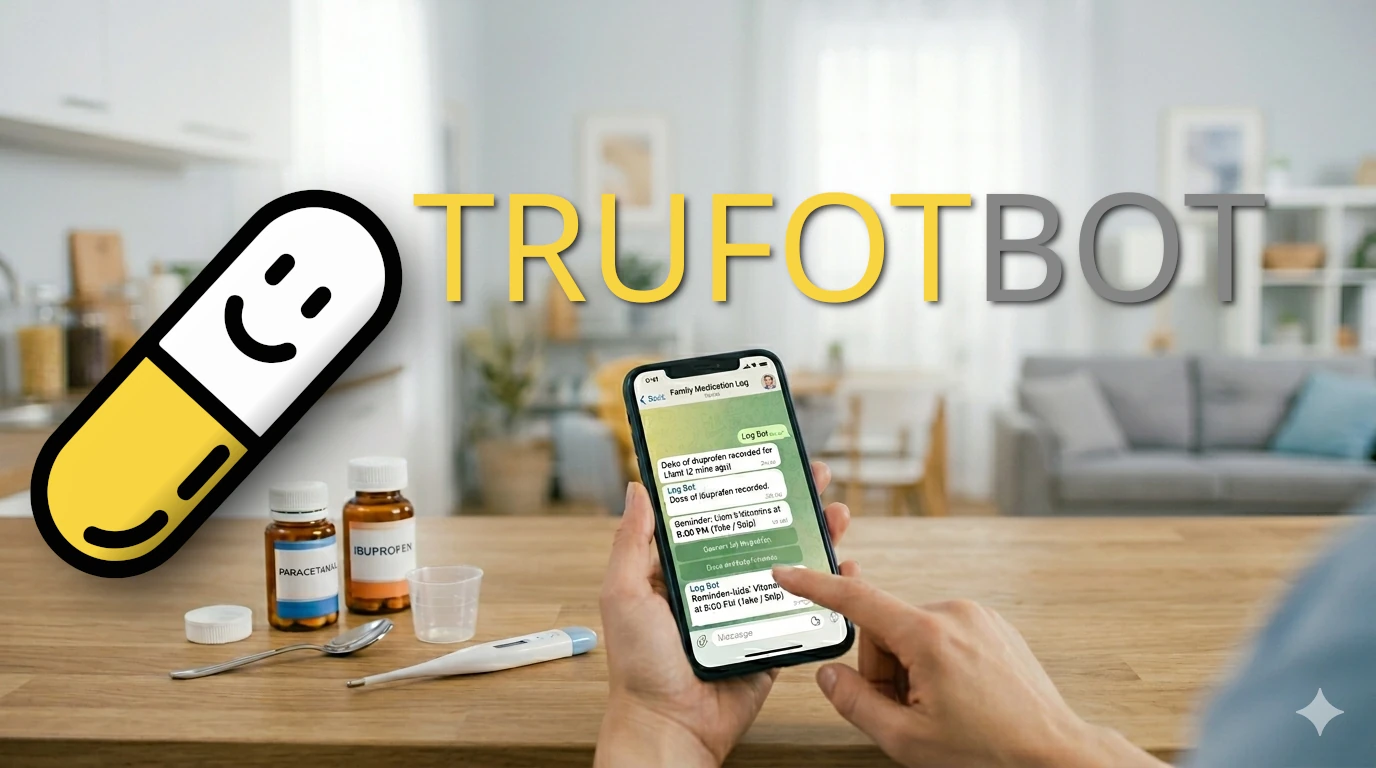
We have two kids in crèche, meaning all four of us become ill quite often; we need to take medication ourselves, or give the kids medication; we need to remember to do that, and communicate the fact that we did it to each other. Like most people we know (with kids or, sometimes, with pets), we ended up with the “medication group chat.” It’s that one Telegram or WhatsApp thread where the primary form of communication is a stream of consciousness:
- “Paracetamol now”
- “Cough syrup 2 minutes ago”
- “Wait, did he get the ibuprofen at 4:00 or 5:00?”
It’s unstructured, can be difficult to use, and doesn’t give you any of the nice features most pill-tracker apps have, like reminders or “when can I next take this” hints. Although there are a many pill-tracker apps on the app store, almost all of them assume a single user on a single device. They aren’t built for a tag-team of parents or caregivers trying to stay in sync.
So, naturally, I made a thing.
Introducing TrufotBot
TrufotBot (from the Hebrew trufot / תרופות for “medications”) is a self-hosted medication management system that meets families where they already are: in a group chat. It has a web UI (for configuration and detailed edits) and a Telegram bot for most day-to-day use. (Why Telegram? Because it’s easy to create Telegram bots).
How it works
The core idea is to turn those “paracetamol now” messages into structured data. You invite the bot to your family group chat, and it acts as the central coordinator.
- Patients and Groups: You can define multiple “patients” (yourself, a child, the dog). Each patient can be tied to a specific Telegram group ID (or you can use the same group for multiple patients).
- The Web UI: This is where you define the patients, groups, medications, and reminders. You can also log doses or edit history (although logging doses can be done directly by messaging the bot). When you log a dose, the bot immediately announces it to the group chat so everyone is on the same page.
- Dose Limits: This is the killer feature for me. You can set safety limits—for example, “No more than 2 pills every 4 hours, and a maximum of 6 in 24 hours.” When you open the web UI, TrufotBot tells you exactly how much you can safely give right now and when the next full dose is permissible.
Reminders and the “Cron” Struggle
I wanted the bot to handle reminders, too. If the kids need vitamins every day
at 8:00 PM, the bot should nag us. I implemented this using Cron syntax. Now,
I’ll be the first to admit that Cron isn’t exactly “user-friendly” for a quick
mobile edit, but it is incredibly powerful. To make it slightly less painful,
the UI includes a translation layer that tries to turn your 0 0 20 * * * back
into human-readable English so you can verify you actually wrote the schedule
you meant. (#60 to improve on
this)
When a reminder hits, you get a Telegram message with interactive buttons: Take or Skip. No need to open the web UI just to confirm a routine dose.
The “Fuzzy” Autocomplete
Opening a web UI while holding a crying toddler or a squirming cat isn’t always
ideal. You can log doses directly via Telegram commands, but typing /record "Bobby Tables" Paracetamol 2.5 is tedious and error-prone.
To solve this, I built a “fuzzy” autocomplete mechanism using Telegram’s inline
query system. You just type @trufotbot followed by some messy shorthand like
bob parace, and the bot suggests the correct patient, medication, and
default dose. One tap, and it’s logged.
Give it a spin
We’ve been using TrufotBot in our house for a few months now, and it has significantly lowered the “mental load” of tracking who gave what and when.
If you want to host it yourself, the code is up on GitHub. Check out the documentation for the full rundown on setting up your own instance and getting your Telegram bot tokens sorted.
- Video Demo: https://www.youtube.com/watch?v=m1_CzaJT99U
- Documentation: https://lutzky.net/trufotbot
- Source: https://github.com/lutzky/trufotbot